Star Quest 1 in the 27th Century
A downloadable game for Windows
To get it FREE, just click 'No thanks, just take me to the downloads' when presented with the option to pay.
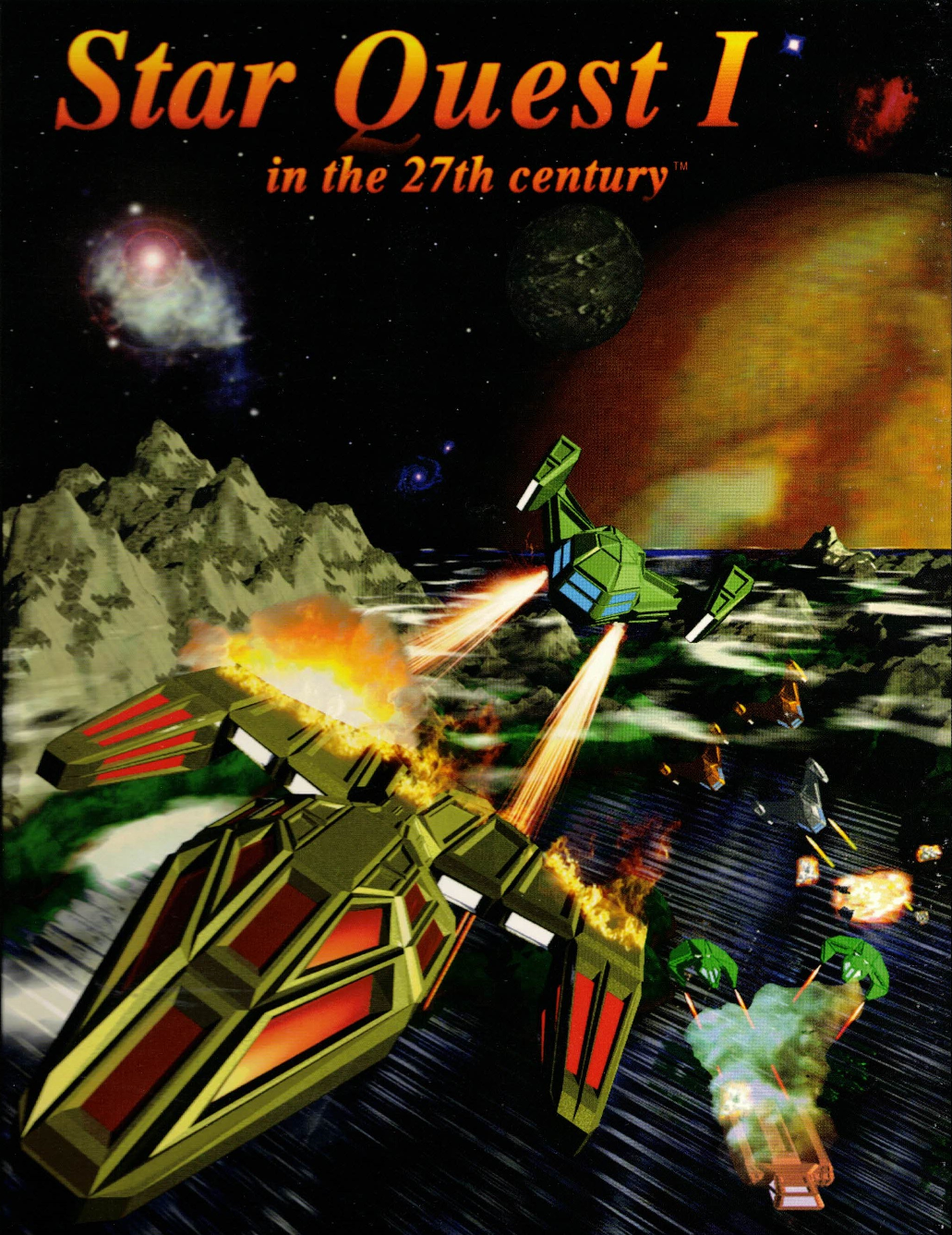
Originally released in 1995/1996, this re-release includes some upgraded input controls like compatibility with game controllers, and an installation that automates the DosBox setup to provide a Windows install.
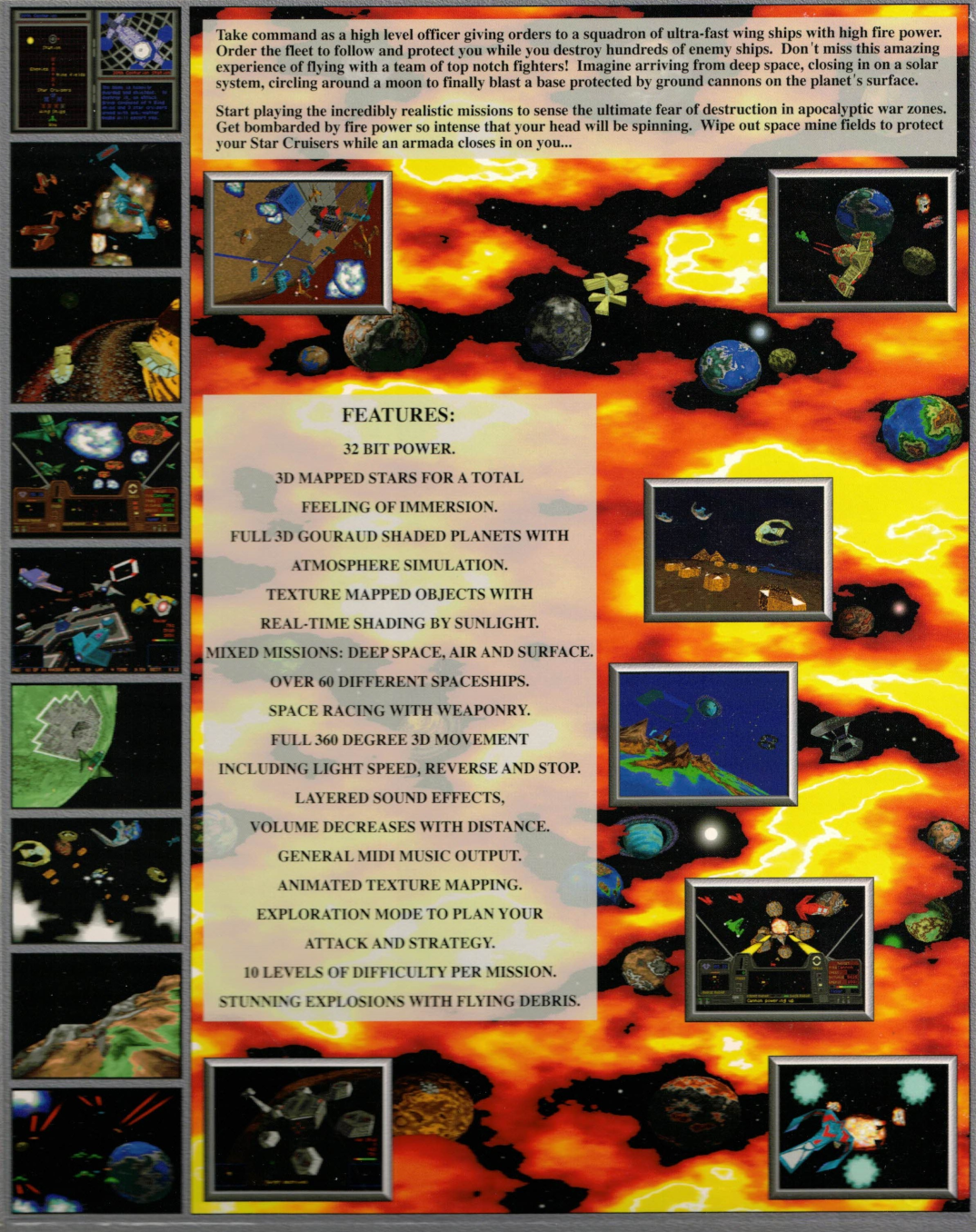
This is the original text from the 30 years old box:
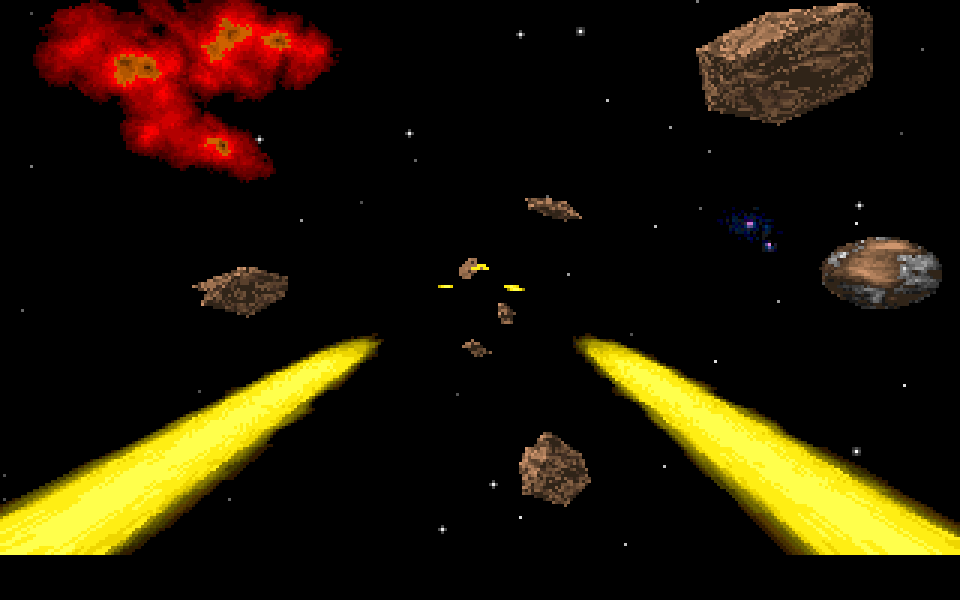
Take command as a high level officer giving orders to a squadron of ultra-fast wing ships with high fire power. Order the fleet to follow and protect you while you destroy hundreds of enemy ships. Don't miss this amazing experience of flying with a team of top notch fighters!
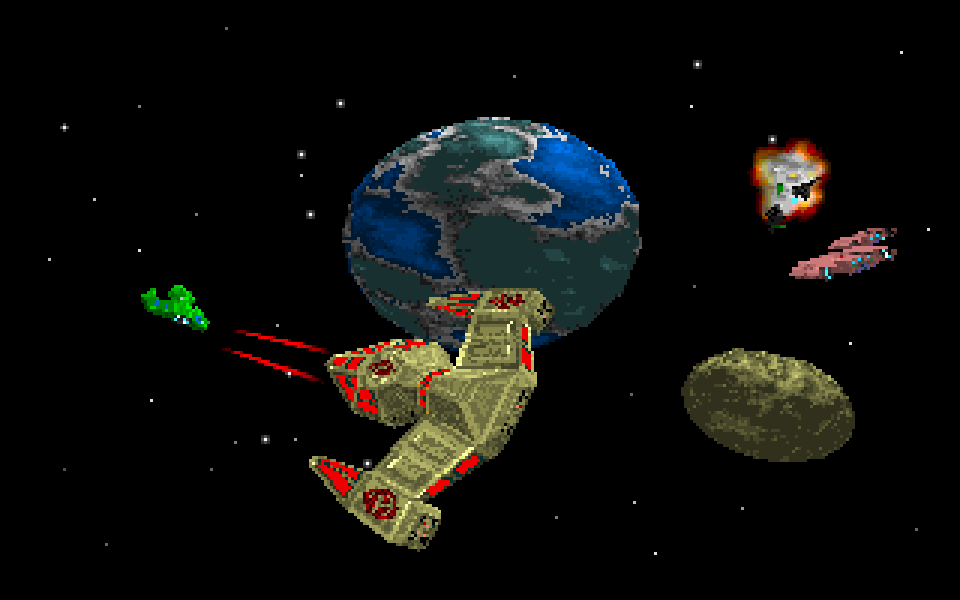
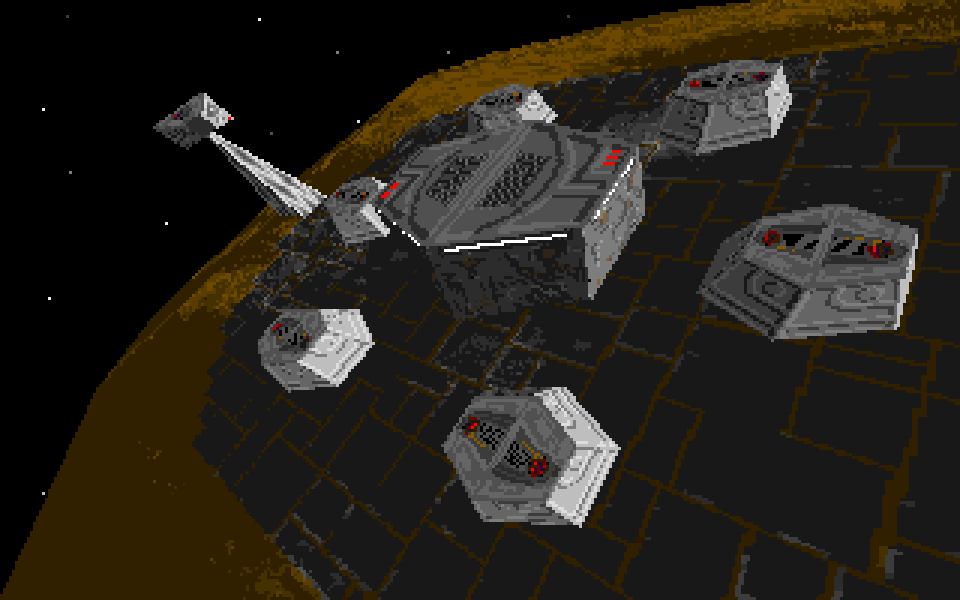
Imagine arriving from deep space, closing in on a solar system, circling around a moon to finally blast a base protected by ground cannons on the planet's surface.
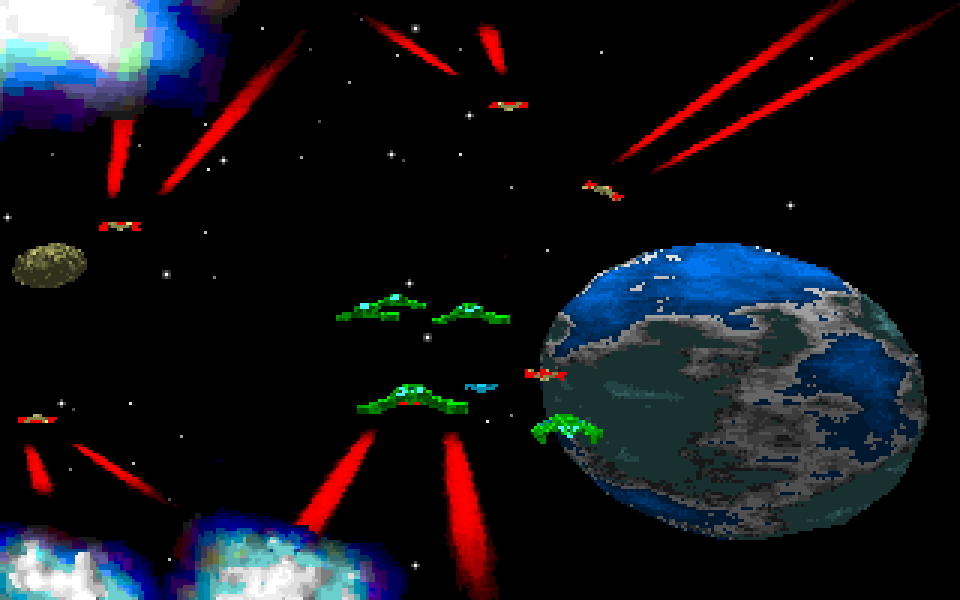
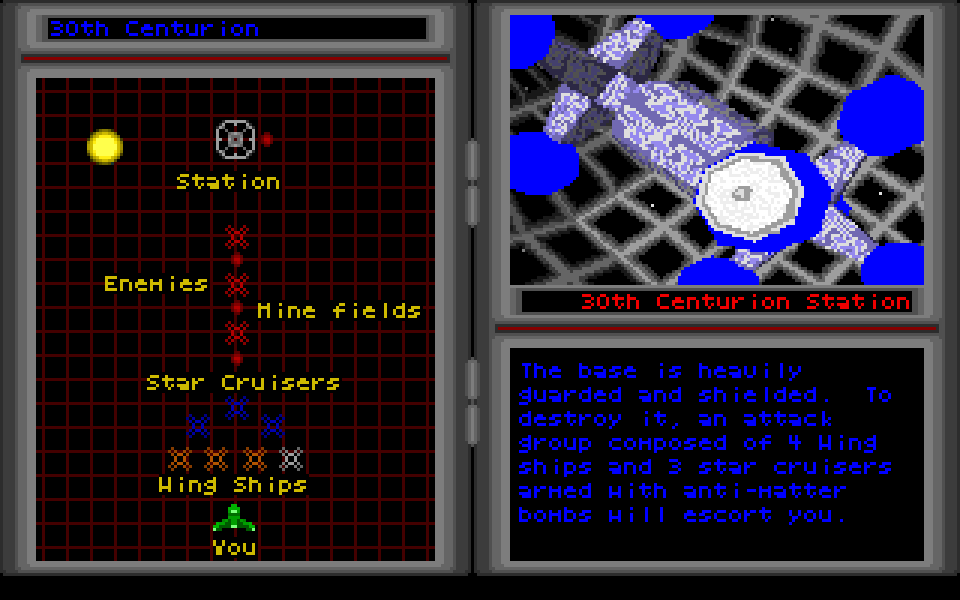
Start playing the incredibly realistic missions to sense the ultimate fear of destruction in apocalyptic war zones. Get bombarded by fire power so intense that your head will spin. Wipe out space mine fields to protect your Star Cruisers while an armada is on your tail...
The ultimate real-time space flight environment. Running on state-of-the-art algorithms, Star Quest 1 allows you unlimited freedom of movement and control around full 3D planets.
FEATURES:
- 3D mapped stars for a total feeling of immersion.
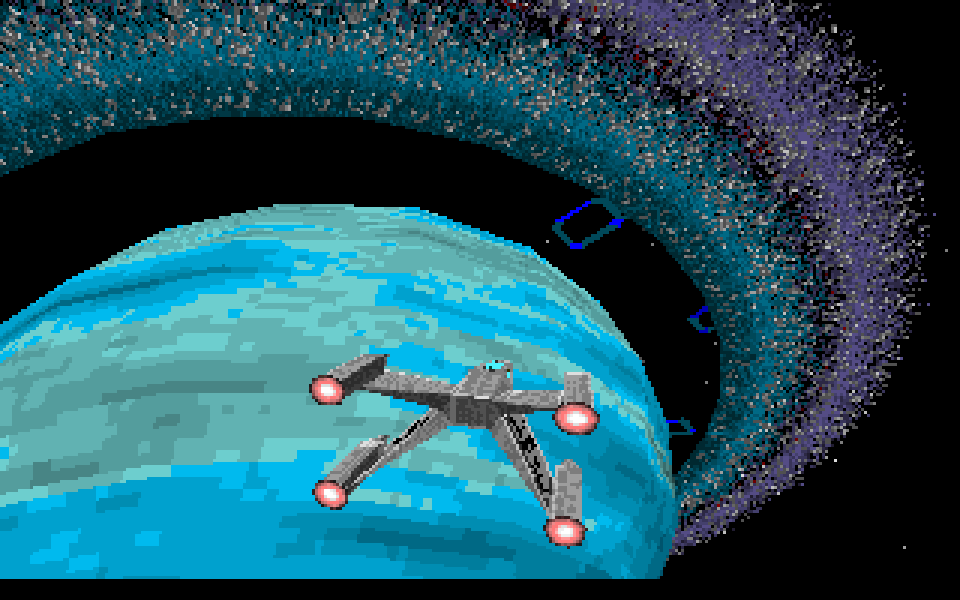
- Full 3D Gouraud shaded planets with atmosphere simulation.
- Texture mapped objects with real-time shading by sunlight.
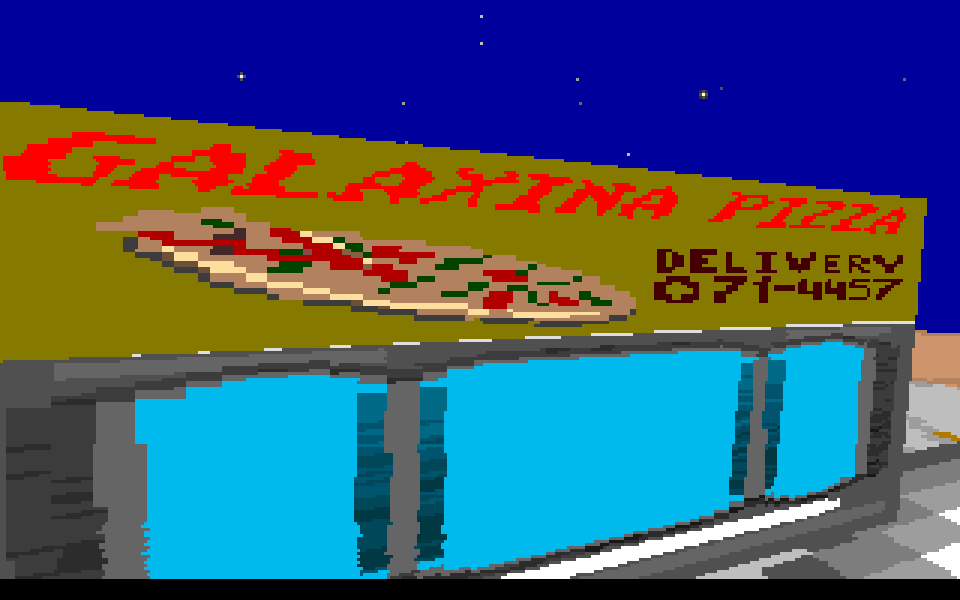
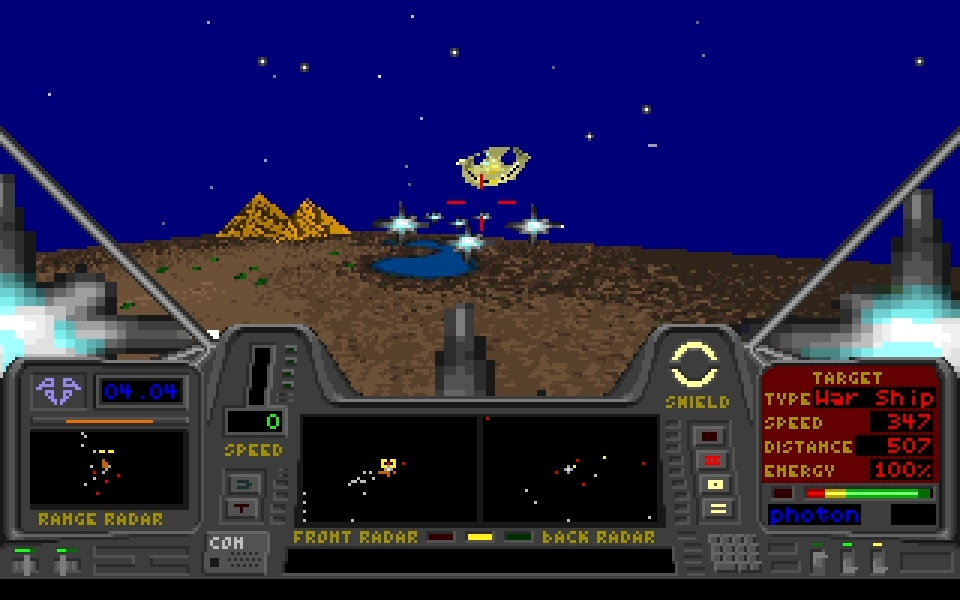
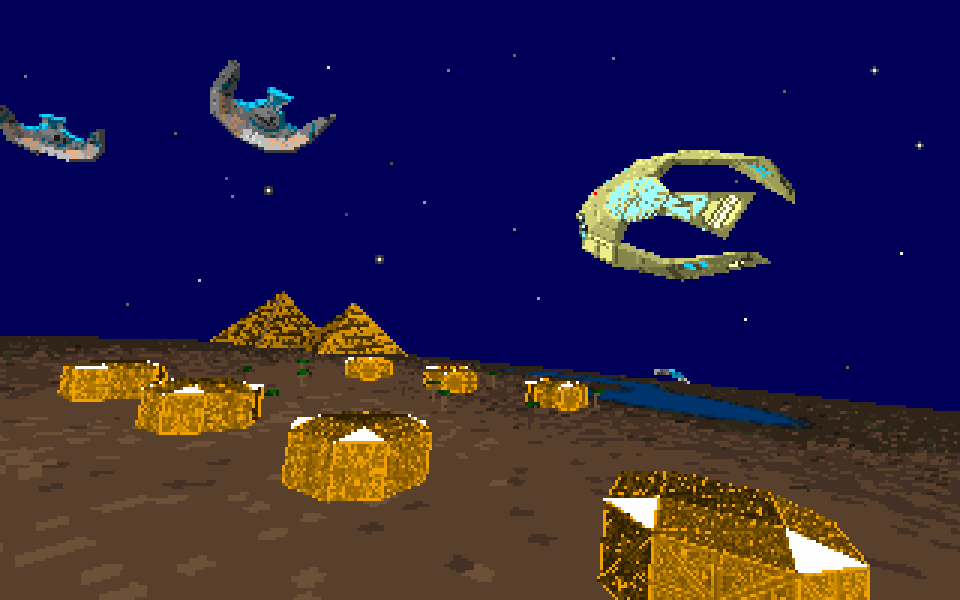
- Mixed missions: deep space, air and surface.
- Over 60 different spaceships.
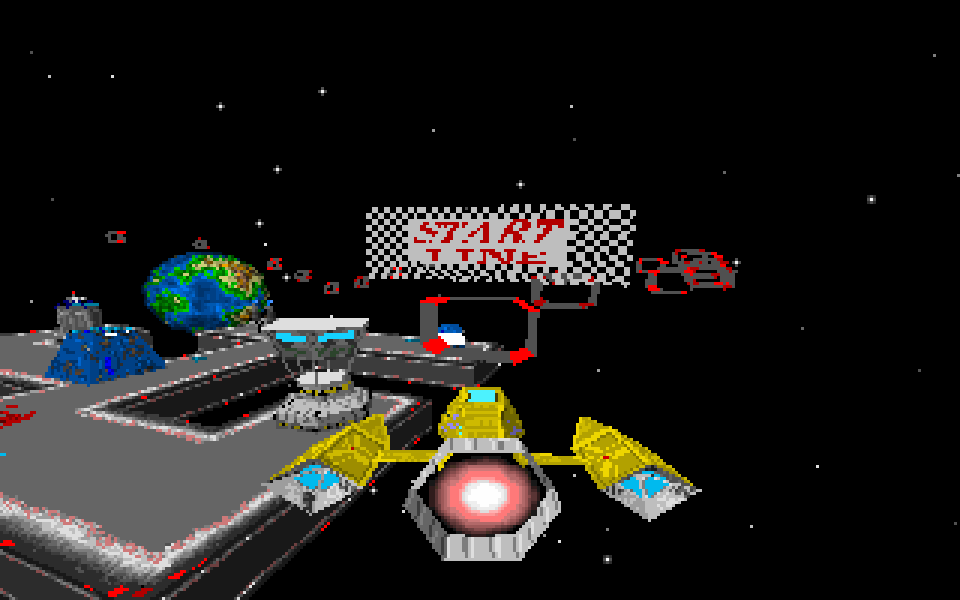
- Space racing with weaponry.
- Full 360 degrees 3D movement including light speed, reverse and stop.
- Layered sound effects with volume that decreases with distance.
- General MIDI music output.
- Animated texture mapping.
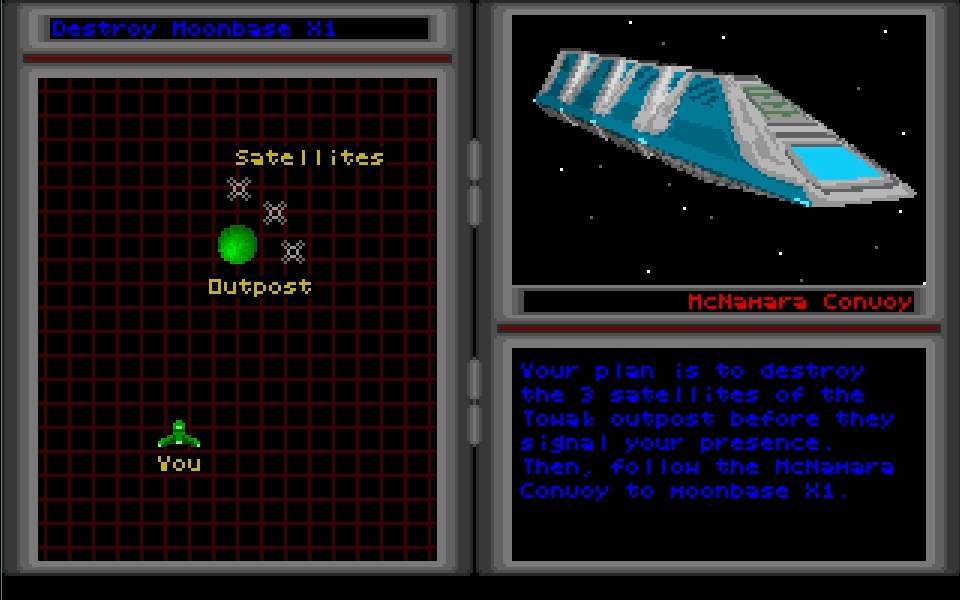
- Exploration mode to plan your attack and strategy.
- 10 levels of difficulty per mission.
- Stunning explosions with flying debris.
Download
Click download now to get access to the following files:
Development log
Comments
Log in with itch.io to leave a comment.
Hello, I'm playing on Windows 7. No firing command is working. Not Joystick button 1, not Mouse 1, not spacebar. Haven't managed to fire a single shot until now. Could it be a incompatibility with Win7?
I am not aware of any incompatibilities with Windows 7.
Make sure you start the game using the correct shortcut. After installation, there should be a shortcut that points to a file named 'run-sq1.bat' in the installation folder C:\Program Files (x86)\SQ1
The joystick button 1 or mouse 1 are also used in the menu so you can validate if it works or not by navigating or making selection it the menu.
One thing to check is if there are any tools running that could intercept or reassign joystick buttons or mouse clicks. You could also try DOSBox keymapper (Ctrl-F1) and see if you can assign another key to send 'spacebar' keys for firing.
As a last resort, you can try changing options in the file C:\Program Files (x86)\SQ1\dosbox\doxbox.conf
The manual for dosbox should be in the file C:\Program Files (x86)\SQ1\dosbox\DOSBox 0.74-3 Manual.txt
Let me know if I can help further or if you found a solution.
Thanks, I had not installed it in C:\Program Files (x86)\SQ1. I've done it now. The 'Just Explore a Scenario' option still doesn't fire, but if I 'Play a New Game' I can fire now. Are we supposed to always type our name when we start the game? Could there be a problem with it keeping our profile? Just to be sure: Thank you very much for this free game. Small problems like this are nothing, I've been interested in this since the 90s, it's great to be able to play it.
I see now. 'Just Explore a Scenario' does not allow you to fire. It is meant to just fly around and find out where everything is to plan ahead of a mission/scenario or when you are not in the mood for a fight...
I think it should recall your last pilot name unless it cannot access the files under that folder C:\Users\<your windows user name>\AppData\Local\SQ1\
Thanks for playing the game. I hope you have fun!
best classic dos game
Thanks for the nice comment!
I think it's awesome that a developer from the DOS days is still maintaining their old games and keeping up with the changing market landscape. It's nice to know that they weren't all bought up or completely gone out of business to never return.
Thanks for the nice comments!
Wow, I bought this game at a local computer shop as a kid and I've occasionally thought back and wondered what it was called.
I'll be honest, I don't have a lot positive to say about my memories of it. It was... alright. I was already spoiled by games like X-Wing, TIE Fighter, Descent, and so on. I did play it to completion though and even back then I wasn't so desperate I'd play something I hated.
Thanks a lot for sharing this. I know it was not perfect, but I really tried to give my best into it.
I managed to get this running in Crossover on my M4 Mac Mini, so am sharing the deets in case it helps anyone else. I haven't tested beyond ensuring the game loads and runs.
1) In Crossover, click the "Install" button in bottom-left corner, select "install an unlisted application", and point it to the SQ1 installer. I used a Win10 64-bit bottle (i.e. the default).
2) Once it's installed and you have a Crossover bottle, select "Open C: Drive" on the right-hand panel.
3) Navigate to /users/crossover/AppData/Local/
4) Create an empty folder called "SQ1" in that folder.
5) Run the game in Crossover.
Basically if you try and run it without manually creating that SQ1 folder in that location, it tries to do it itself and fails for some reason. Creating it manually seems to work.
[Edit: I used Crossover version 25.1.1, i.e. the current version.]
Wow! Thanks a lot for your effort and detailed post helping others.
Thanks very much for this nice update, especially for supporting modern controllers.
Is there any chance you could offer a portable .zip or .7z archive of the game for download, without an installation process (unzip to folder and play)? I ask so that it would be easier to play on Steam Deck, where we could add custom artwork and use Steam Input to modify our control layout.
EDIT:
After getting through the install and tinkering around with the resulting compatdata folder, I suspect it will actually require a Linux-specific version of DOSBox to be employed in order for this game to be playable on Deck. Windows DOSBox games just don't work without a custom-made exe file.
I now remember running into this obstacle many times in the past when trying to run my GOG DOSBox games on Deck. The problem being that Windows .bat files can't be run through Proton, obviously since they contain Windows-specific command strings.
So, unfortunately it won't be as simple as just packing all the game files into a portable archive, but also unfortunately I don't know enough about Linux to make a Deck-suitable version of the game myself. If anyone reading this does have the brains and motivation to take a crack at it, I would be deeply grateful.
Thanks for your comment and detailed information. I don't have a Steam Deck to try it but I will try to prepare a portable zip of the game and let you know when it is ready, in case you want to try it.
Thanks very much for your reply. To be clear you probably don't need a Steam Deck to test whether it would work on the Deck — any PC with a common Linux distro (Mint, Ubuntu, Bazzite, etc) with Steam installed and working should be a suitable test platform. I think the key questions to answer are simply: "Can I add SQ1 to Steam as non-Steam shortcut?" and then "When I try to launch SQ1 through Steam, does the game start?"
I wish I could be more helpful but even though I've been a heavy Deck user for nearly 4 years now, I still have only an elementary understanding of Linux. Such is both the greatness and weakness of the Deck that it can be thoroughly enjoyed in many different ways without ever needing to actually learn how it works.
I have added a tentative portable version of the game if you want to try it. It should be available for download now. I have not yet tested it on Linux with Steam though.
A blast from the past!!!! I had purchased the boxed version (mail order)!!
Cool! Thanks for sharing this!